

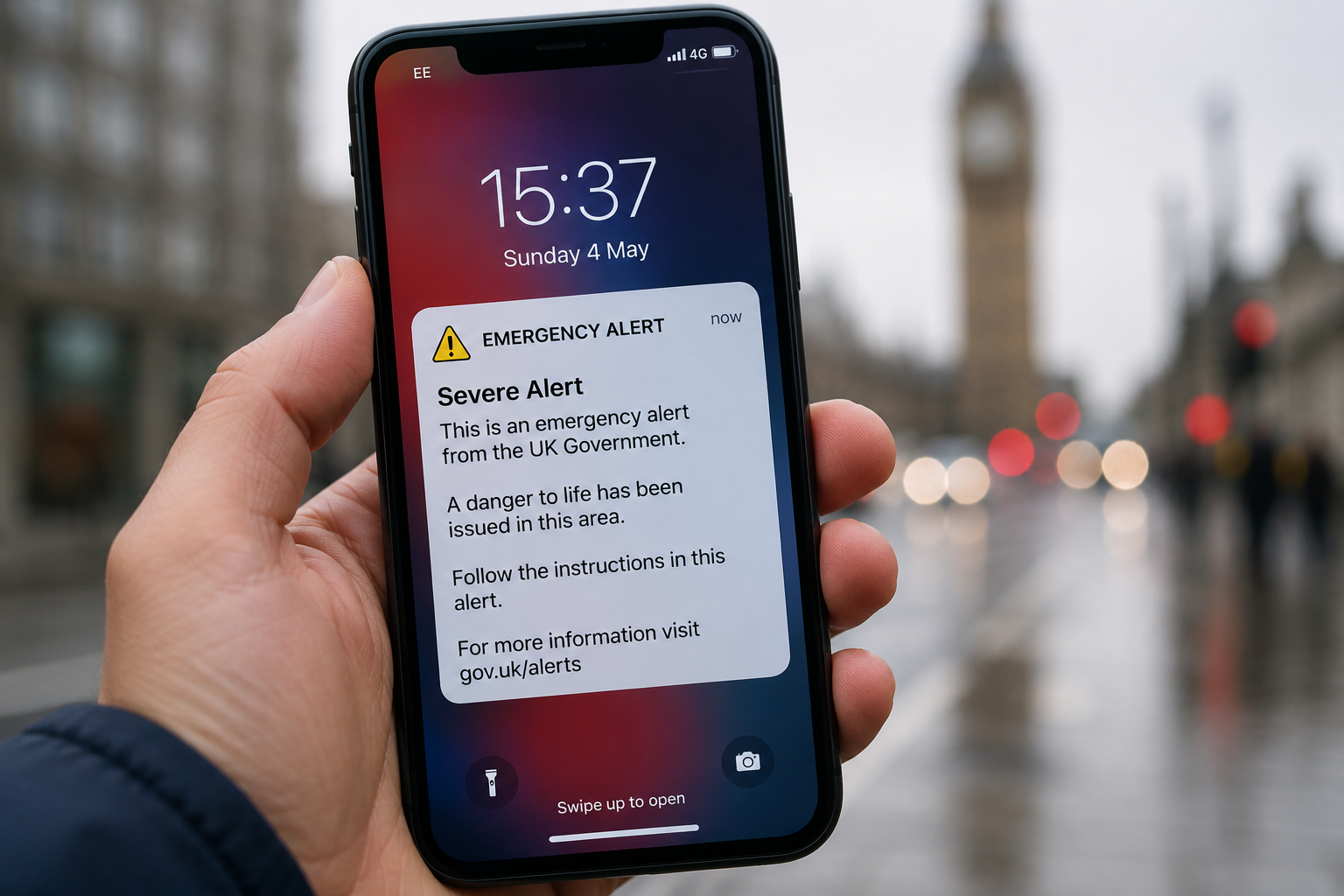
An emergency alert is a warning sent to compatible mobile phones and tablets when there is a serious, life-threatening emergency nearby. In the UK, the system is designed to get urgent safety information to people quickly, without requiring them to sign up for a service or install an app.
An alert can be used for situations such as severe flooding, wildfires or extreme storms. The message normally explains what is happening and tells you what action to take.
Understanding how the system works can make a loud, unexpected alert much less confusing—especially when you need to make a quick decision.
What Is an Emergency Alert?
The UK’s Emergency Alerts service is a government warning system for situations where there is a risk to life. Alerts are sent by government departments, emergency services and other public bodies responsible for dealing with emergencies.
Unlike a normal text message, an emergency alert uses mobile broadcasting technology. Mobile phone masts in the affected area broadcast the warning to compatible devices within range.
You do not need to register your phone number, download an app or connect to mobile data or Wi-Fi to receive an alert.
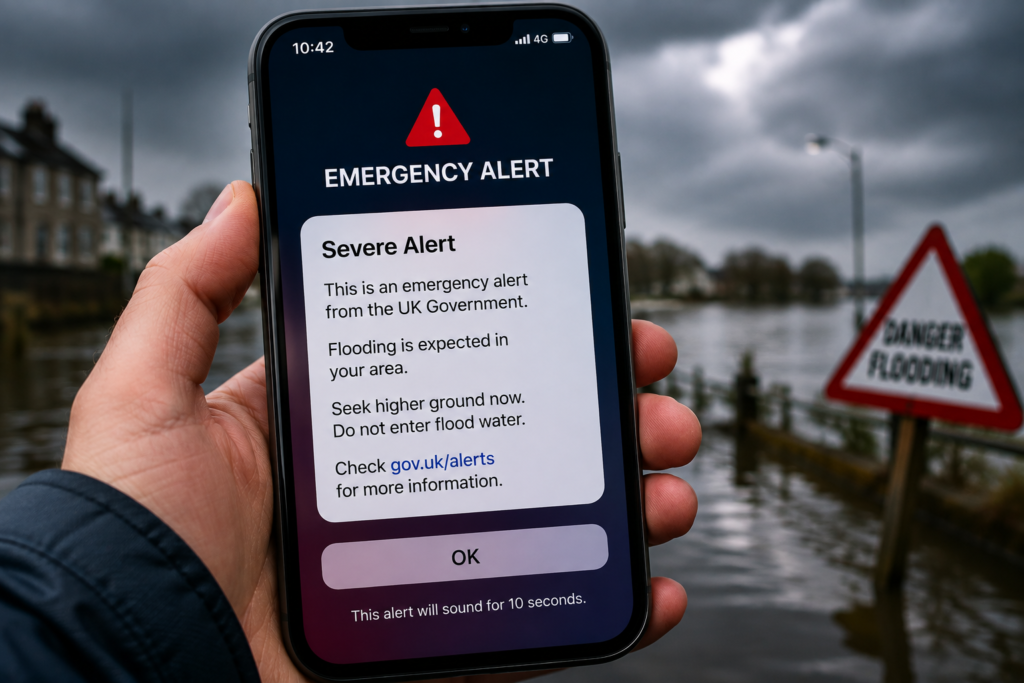
Why Do Emergency Alerts Matter?
During an emergency, people may not have time to search for information online or wait for a news report.
A direct phone alert can interrupt normal activity and provide instructions when they matter most. Depending on the situation, the advice could involve avoiding an area, taking shelter, evacuating or following instructions from emergency services.
The system is also geographically targeted. You receive an alert based on your phone’s current location and the mobile mast serving you, rather than simply the address where you live or work.
How Does an Emergency Alert Work?
The process is different from receiving an SMS.
When an alert is issued, mobile phone masts in the relevant area broadcast the message. Compatible phones and tablets within range can receive it.
The system currently works across UK 4G and 5G mobile networks. Compatible iPhones running iOS 14.5 or later and Android devices running Android 11 or later can receive alerts, although some earlier Android devices may also support them.
An emergency alert may:
- Make a loud siren-like sound
- Vibrate your phone
- Display an important warning on screen
- Read the message aloud on supported devices
- Provide a phone number or link for further information
The sound and vibration normally last for around 10 seconds.
What Should You Do When You Receive an Emergency Alert?
Treat a genuine emergency alert seriously.
First, read the message carefully. Do not assume it is simply a test or routine notification. The alert should explain the emergency and give instructions about what you need to do.
Follow the instructions provided and use official sources for additional information.
If the message contains a link to GOV.UK, you can use it to check further details. The official Emergency Alerts service also provides information about current and past alerts.
If You Are Driving
Do not pick up your phone to read or respond to an emergency alert while driving.
The UK government advises drivers to find a safe and legal place to stop before checking the message. If you cannot safely stop and nobody else in the vehicle can read it, use live radio for emergency information until it is safe to stop.
Will an Emergency Alert Track Your Location?
No. The system does not require the government to know your phone number or exact location.
The alert is broadcast through mobile network infrastructure to phones within the affected area. GOV.UK states that data about you, your device or location is not collected or shared for sending these alerts.
This is one reason the system can deliver geographically targeted warnings without requiring users to create an account.
Can You Receive an Alert Without Mobile Data?
Yes.
Emergency Alerts do not require mobile data or Wi-Fi. They use mobile network broadcasting technology instead. However, your device must be compatible and connected to a supported mobile network.
You may not receive an alert if your device is:
- Switched off
- Connected only to 2G or 3G
- Wi-Fi only
- Not compatible with the system
- In some circumstances, in airplane mode
Keeping your phone’s software updated can help ensure that your device remains compatible.
Are Emergency Alerts Free?
Yes. There is no charge for receiving an Emergency Alert, and you do not need to download an application or subscribe to a service.
The system is intended to work automatically, so people do not need to remember to register before an emergency happens.
Can You Turn Off Emergency Alerts?
Yes, the UK government allows users to opt out of emergency alerts.
However, GOV.UK recommends keeping them switched on because they are intended to provide potentially life-saving information.
On an iPhone, you can generally find the relevant controls under Settings > Notifications, near the bottom of the notification settings.
On Android, search your phone’s settings for “emergency alerts” and look for options such as severe or extreme alerts. Menu names can differ between manufacturers and software versions.
There are situations where turning alerts off may be appropriate. For example, GOV.UK specifically recognises that people using a concealed phone because of domestic abuse may need to consider opting out for safety reasons.
How to Tell If an Emergency Alert Is Genuine
A genuine UK Emergency Alert is not an ordinary email or promotional message.
The government says the Emergency Alerts service will not send emails asking you to provide personal information. If you receive a suspicious email claiming to be an emergency alert, treat it as a potential phishing attempt.
If you are unsure about an alert, check the official GOV.UK Emergency Alerts website rather than relying on an unfamiliar link or social media post.
Emergency Alerts vs Normal Notifications
It is easy to confuse an emergency warning with a standard phone notification, but they serve very different purposes.
A normal notification might come from an app, website or messaging service. An Emergency Alert is designed specifically for urgent situations where there is a threat to life.
The alert can also override some normal phone settings by producing a distinctive sound and vibration, helping to attract attention even when the device is on silent.
Common Mistakes to Avoid
Ignoring the message
Do not automatically dismiss an alert because it is inconvenient. Read it first and understand what is happening.
Assuming every loud alert is a real emergency
Tests and operator tests can also produce sounds or vibrations. An operator test will identify itself as an operator test and confirm that no action is needed.
Reading your phone while driving
Pull over somewhere safe and legal before checking the message.
Relying on social media alone
Social media can spread information quickly, but rumours can also spread quickly. For emergency instructions, check official sources.
Turning alerts off without considering the consequences
Disabling alerts means you may miss an important warning in an area where there is a danger to life.
Expert Tips for Staying Prepared
A few simple habits can make emergency warnings easier to handle.
Keep your phone updated. Software updates can help maintain compatibility with emergency alert features.
Know where emergency alert settings are located. This is particularly useful if you need to check whether alerts are enabled.
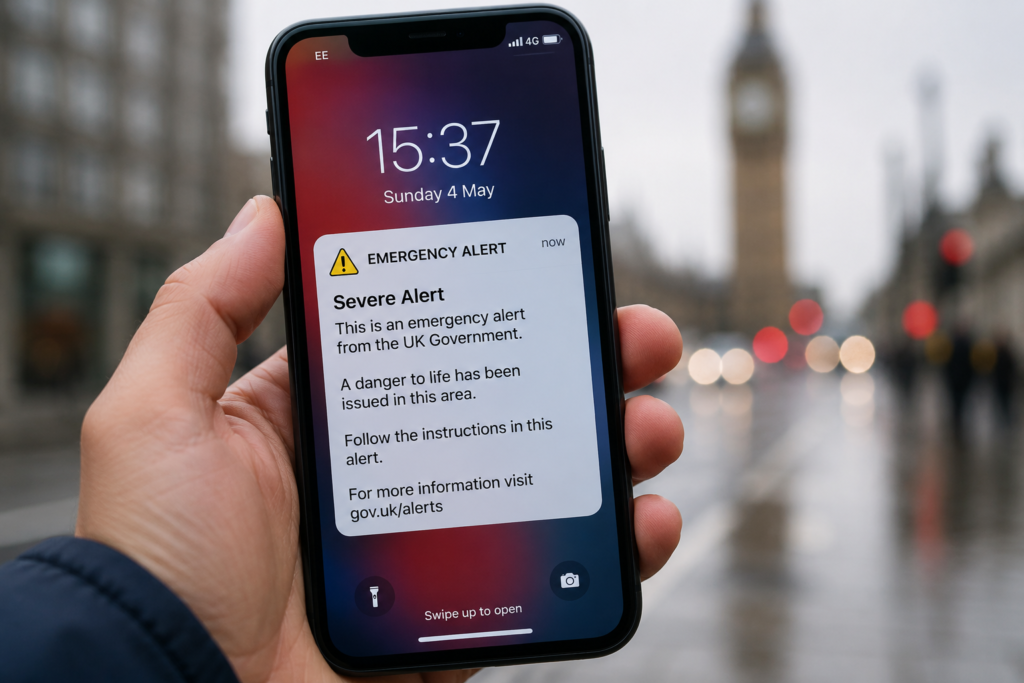
Learn the sound and appearance of an alert. Knowing what a genuine alert looks like can help you react calmly when one arrives.
Check official information. GOV.UK and emergency services should be your first sources for instructions during a serious incident.
Do not depend on one communication method. Emergency Alerts are only one part of the UK’s wider warning system. Radio, television, local information and emergency services can also provide updates.
Frequently Asked Questions
What is an emergency alert?
An emergency alert is a warning sent to compatible mobile phones and tablets when there is a life-threatening emergency in a particular area.
Will I get an emergency alert automatically?
If your compatible device is connected to a supported 4G or 5G network and is in the affected area, you can receive an alert automatically. You do not need to register or download an app.
Does an emergency alert use my phone number?
No. The UK government does not need your phone number to send an alert.
Does an emergency alert work without Wi-Fi?
Yes. Emergency Alerts use mobile broadcasting technology and do not require mobile data or Wi-Fi.
Can I turn off an emergency alert?
Yes. You can disable emergency alerts through your phone’s settings, although the UK government recommends keeping them switched on because they can provide life-saving information.
What should I do if I receive an emergency alert while driving?
Do not read or respond to it while driving. Stop somewhere safe and legal before checking the message.
Are emergency alerts the same as text messages?
No. They use mobile broadcasting rather than conventional SMS messaging and are designed specifically for urgent public warnings.
Where can I check official emergency alerts?
You can check current and past Emergency Alerts through the official GOV.UK Emergency Alerts service. At the time of writing, the official current-alerts page reports no current alerts.
Final Thoughts
An emergency alert is designed for moments when people need reliable information quickly. The UK system can warn compatible mobile devices about life-threatening situations without requiring users to register or provide their phone number.
The best approach is simple: keep alerts enabled where practical, read genuine warnings carefully, follow the instructions provided and verify additional information through official sources. A few seconds of attention could make a significant difference during a serious emergency.